Reuse your characters
Set a picture as the reference to give later images the same character to work from. Star the ones you like to keep them under References.
18+ only
Create and edit NSFW images, then turn your favorite into a video, all in one chat. Start with a reference image, describe the scene, and ask for changes as you go.
For ages 18 and up. Adult content is supported within our rules.
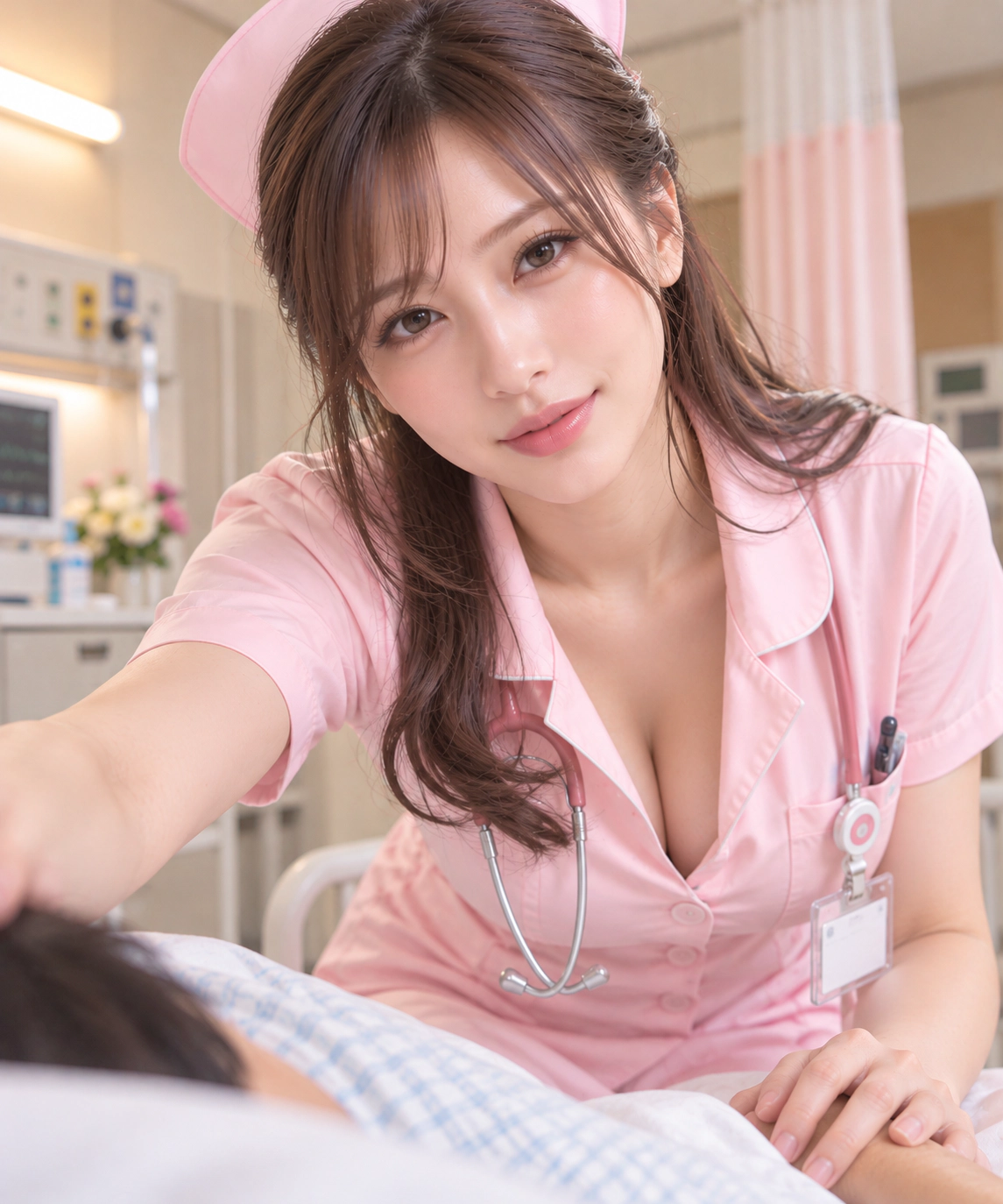
Make four missionary versions.
Here are four versions.
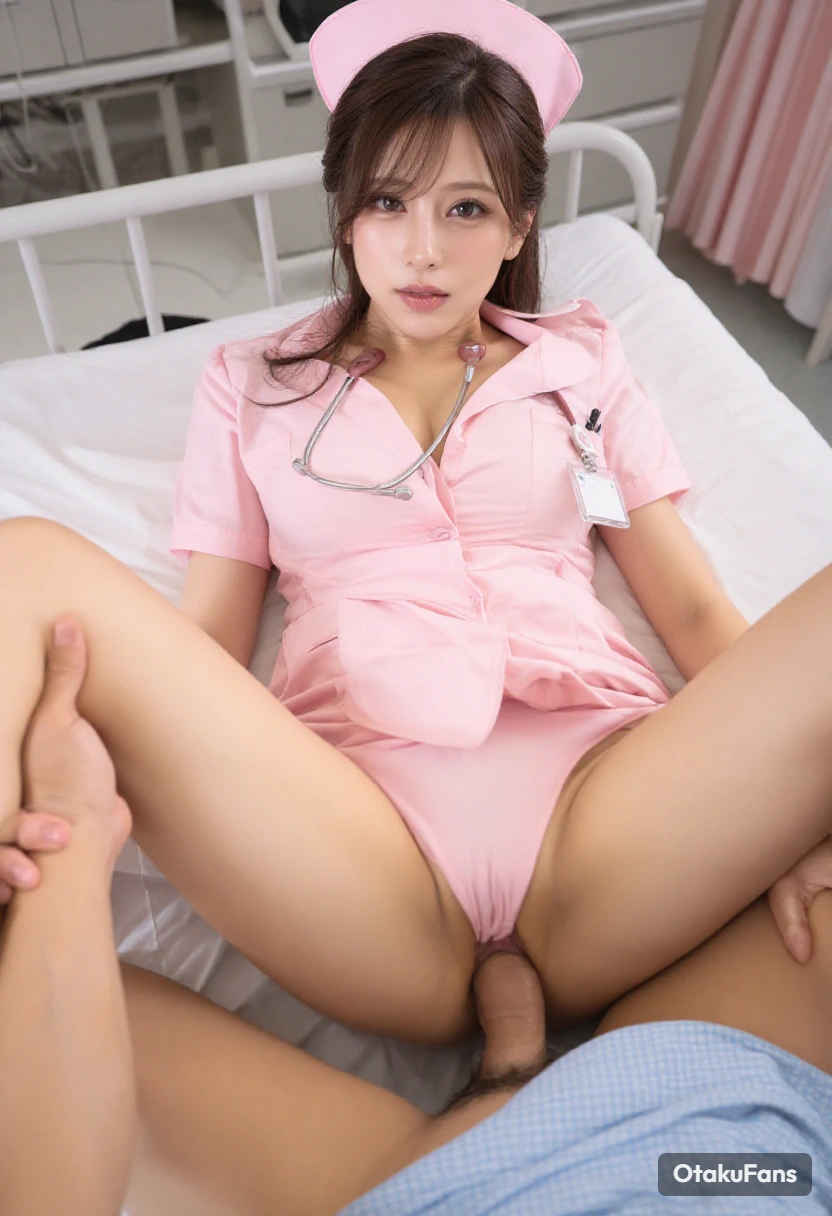
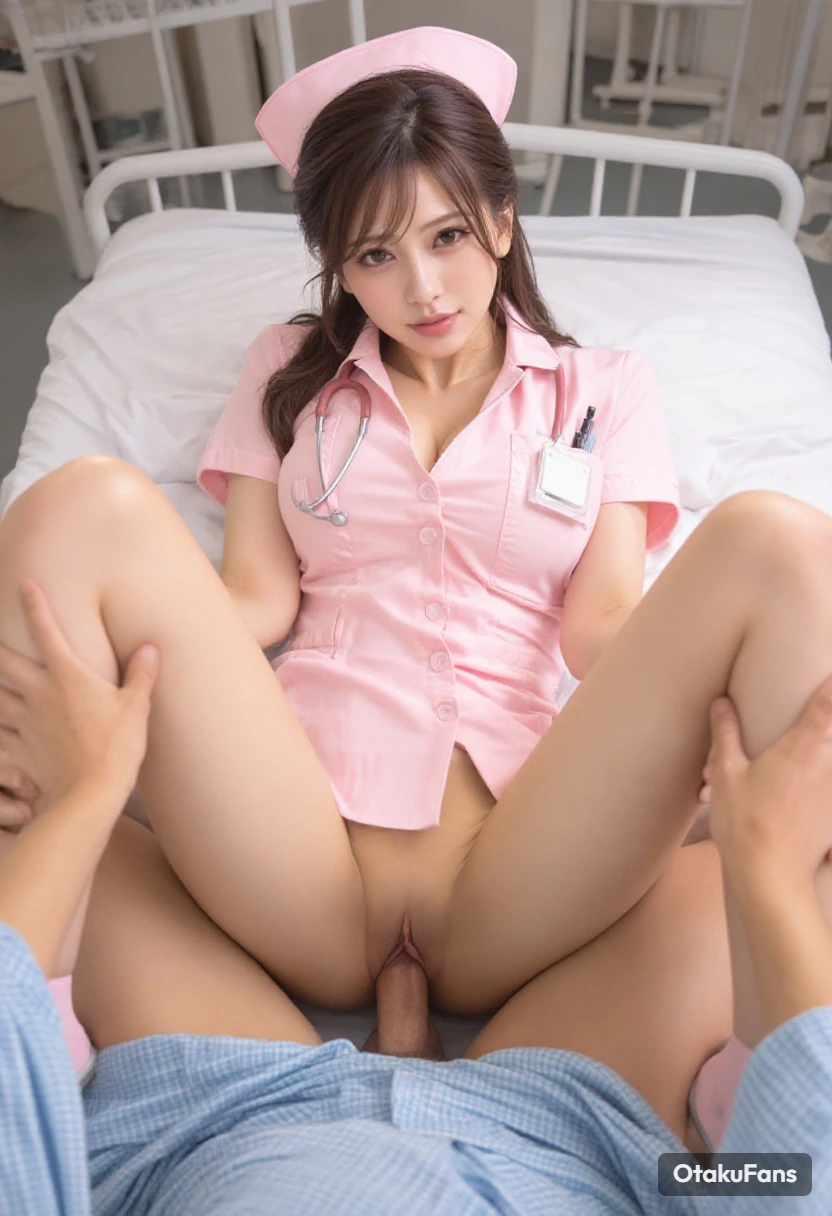
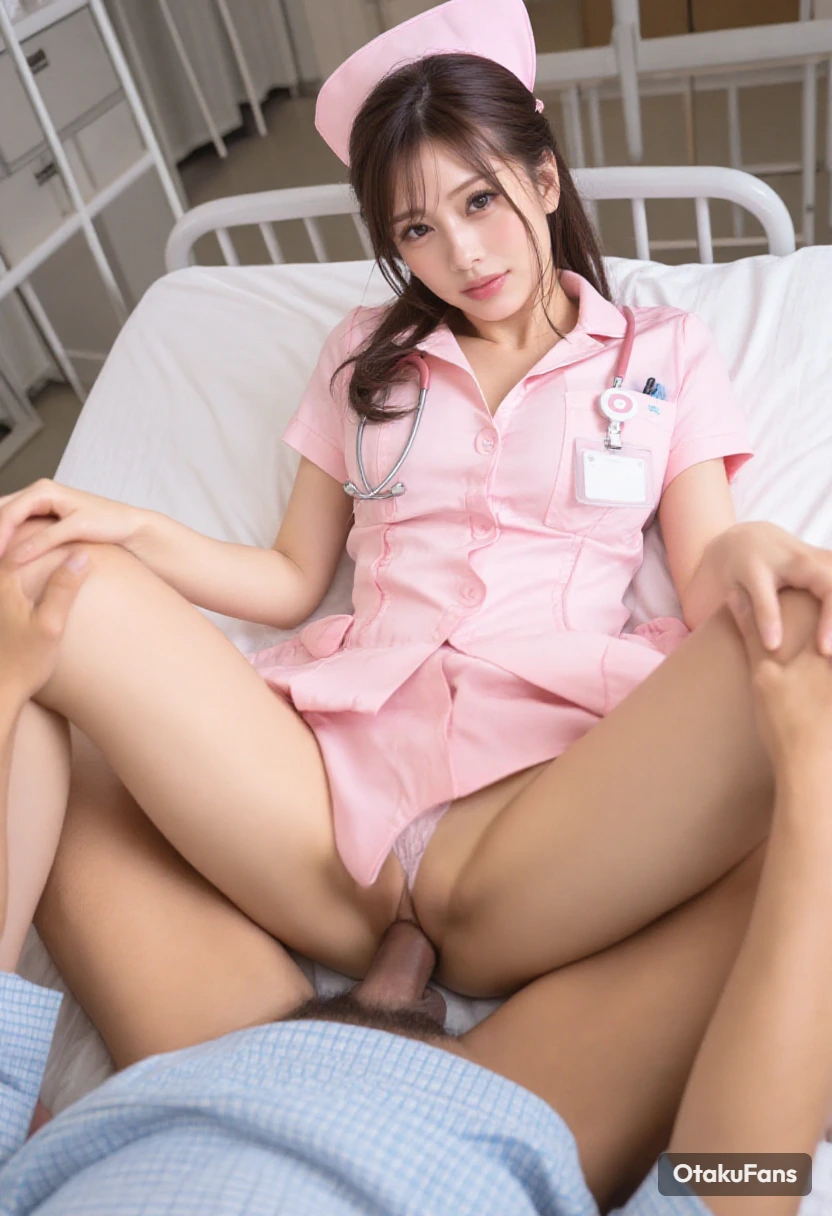
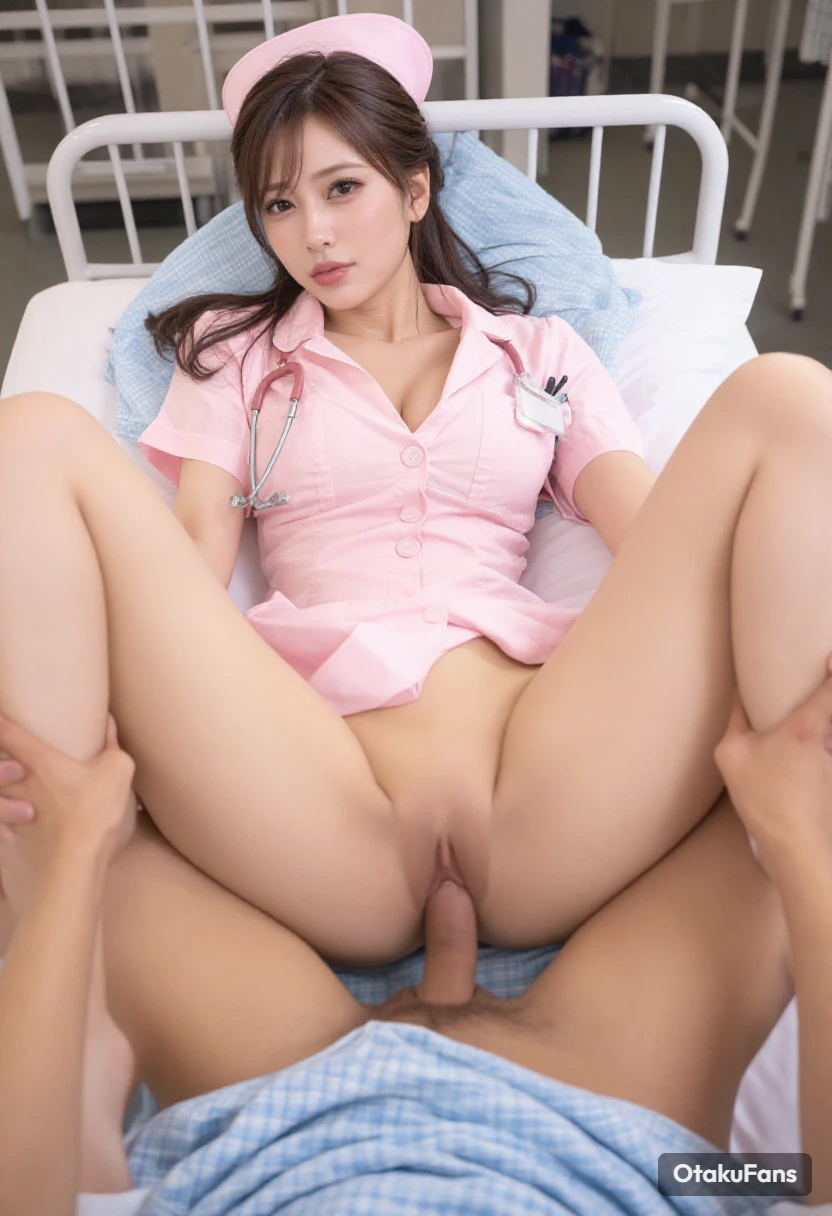
I like the second one. Turn it into a short video.
Here’s the finished clip.
Step by step
The AI creative agent
Describe the scene and the assistant writes the prompt
Choose how many images to make within the model's limit
Ask for changes in the same chat
Choose an image to animate in the same chat
Start in Agent. Upload an image of your character or choose one you already made.
Describe the scene you have in mind. Tell the assistant which features to keep from your reference.
Keep her face and hairstyle. Dress this adult character in black lace lingerie and a satin robe, seated on a velvet chaise in a dimly lit bedroom, looking directly at the camera.
Set your favorite result as the reference. Ask for a different outfit, pose, or mood.
Keep her face, pose, and the satin robe. Change the lingerie from black to burgundy and add matching stockings.
Select the edited image, switch to Video, and choose a duration. Describe the movement you want.
She slowly crosses her legs, holds eye contact with the camera, and gives a subtle smile. Keep the camera steady.
Compare both images in the chat, then play the video made from your edited version.
Characters and projects
Set a picture as the reference to give later images the same character to work from. Star the ones you like to keep them under References.
Start a new conversation from a version you like, with it as the first reference.
Group conversations into a project. Everything they make lands on the project's canvas, and you choose its cover.
Let others view your project while you keep control of the edits.
NSFW images and short videos, including lingerie shoots, pin-up poses, outfit changes, and scenes with original adult characters. Adult content is supported within our rules, though the model provider's safety checks may refuse some requests. Our rules prohibit content involving minors or anyone who looks underage, real people without their consent, and illegal content. See our Terms of Service for the full rules.
Upload a reference image or choose one you’ve made, then describe what you want. For example, “Show my adult character in black lingerie, seated in a velvet chair under warm bedroom lighting.” The assistant writes the prompt and generates the image. Reply with any changes you want to make.
Yes. Set the picture you want as the reference so later images have the same face, hair and outfit to work from. Star that picture to keep it under References, or start a new conversation from it.
Yes, for photorealistic or illustrated original adult characters. Upload a sketch, photo or other reference close to the look you want, ask for changes to the face, hair or outfit, then set the version you like as the reference for later images. Anime is one of the styles you can choose.
Yes. Select the edited image in your conversation, switch to Video and describe how it should move. Lite makes silent clips. Pro supports sound.
Only you. Others see a project only if you share it, and then they can look but not edit.
No. It runs in your browser, on a computer or a phone.